Legal Notice

Legal Notice to all visitors: Google hosts this site and uses certain Blogger and Google cookies, including, but not limited to, Google Analytics and AdSense cookies. By remaining on this site, you are consenting to the use of Google cookies and other data collection by Google.

"Beware that, when fighting monsters, you yourself do not become a monster..." ― Friedrich W. Nietzsche

Definition of Bigot: a person who is intolerantly devoted to his or her own opinions and prejudices; especially : one who regards or treats the members of a group with hatred and intolerance.

"When the whole world is running towards a cliff, he who is running in the opposite direction appears to have lost his mind." ― C. S. Lewis

See Disclaimer of Endorsement at the bottom of this page.

Translate

Showing posts with label Copper. Show all posts

Monday, March 28, 2022

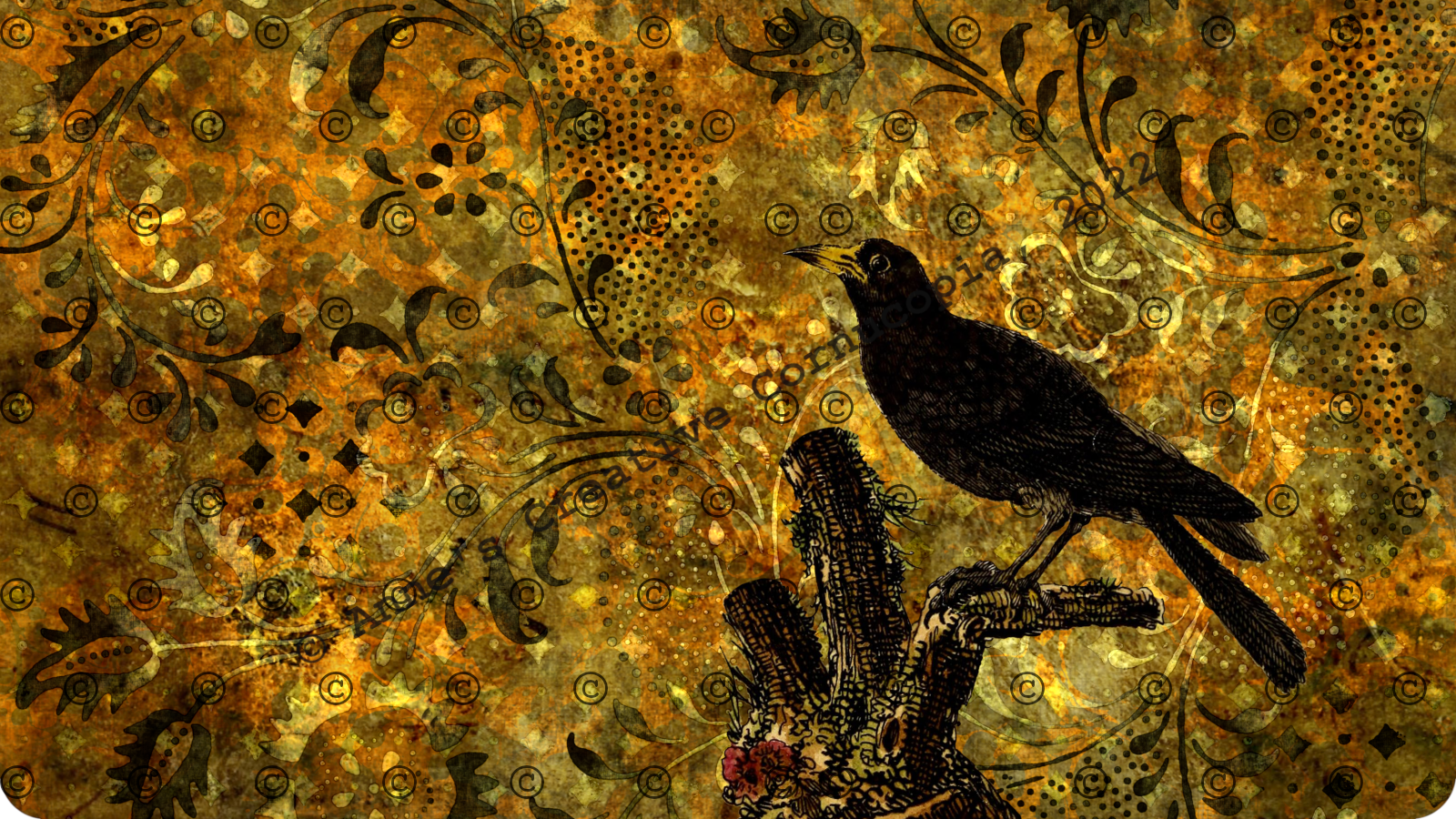
"Gold Brown Raven" - Postcard

© All Rights Reserved
(Click on image to enlarge)

I created this using GIMP 2.10.30

The vintage images are from an Internet search. (See the side of my blog for links.)

Gold Brown Raven - Week 14 - The Book of Days

© All Rights Reserved
(Click on image to enlarge)

The week14 theme for my Book of Days was Gold Brown Raven.

I created this using GIMP 2.10.30.

The vintage images are from an Internet search. (See the side of my blog for links.)

The master index for all of my entries is here.

Thursday, March 5, 2020

"Rhinoceros / Steampunk / Rust" - Postcard

© All Rights Reserved
(Click on image to enlarge)

I made another "rust" piece using the same background as I did for my "Belly Dancer / Rust" postcard. If you look closely, you can see the rhino is slightly embossed.

I created this using GIMP 2.10.14.

The vintage images are from an Internet search. (See the side of my blog for links.)

Wednesday, July 17, 2019

"Metropolis Circles" - Postcard

© All Rights Reserved
(Click on image to enlarge)

I made this postcard using the same images as this tag, which was my entry for this week's Tag Tuesday challenge Circles.

I created this using GIMP 2.10.12.

The vintage images are from an Internet search. (See the side of my blog for links.)

"Metropolis Circles" - Tag

© All Rights Reserved
(Click on image to enlarge)

This week's Tag Tuesday challenge was Circles.

I created this using GIMP 2.10.12.

The vintage images are from an Internet search. (See the side of my blog for links.)

Sunday, June 9, 2019

Old New-Gate Prison & Copper Mine - Photograph

© All Rights Reserved
(Click on image to enlarge)

This is 1 of 3 posts of  photographs that I took at Old New-Gate Prison & Copper Mine in East Granby, CT during Connecticut Open House Day.

Part of the mine was closed off for touring due to one section being flooded, and another section having falling rocks in it (cave in). Those facts made me a little uneasy. Once we reached the bottom of the stairs, it was very cool, however, I quickly adapted to the temperature. Water was dripping from the rock ceiling, and unbeknown to me, a water droplet got on my camera lens at some point, which affected some of my later photos.

This site is allegedly haunted, which is one of the reasons I wanted to come here. I had also never been in a mine or a cave, so I wanted to experience that.

Sunday, July 22, 2018

"Metropolis Steampunk" - Postcard

© All Rights Reserved
(Click on image to enlarge)

This week's Take A Word challenge was "Steampunk."

I created this using GIMP 2.10.4.

The vintage images are from an Internet search. (See the side of my blog for links.)

Sunday, March 24, 2013

"Steampunk" – Moo (1.1" x 2.8")


© All Rights Reserved
This week’s Moo Mania challenge was "Steampunk."

This is my second attempt to duplicate digitally SanDee1899's Steampunk Patina background shown in this tutorial. This result is closer to what I wanted.

Within GIMP, I used two versions of the machine image. One was the stamp version of it (only the black) and one was the complete image. I used the Selection Bevel script with all of the default settings, except I changed the Bevel Width to 5. I applied that script to both layers.

I left the stamp layer visible, but made the complete image layer invisible. I added the secondary green patina color layer between the stamp and the complete image bevel layer. I added the primary green patina color layer below that. I added the secondary copper color layers below that. The bottom layer was the primary copper color layer.

On all but the primary copper color layer, I applied the color using the GIMP Sponge 01 brush. After that, I applied a Gaussian Blur Filter with a radius of 2 to the primary green patina color layer, then applied an HSV Noise Filter to all of the color layers.

Primary green patina color:
93d2b5

Secondary green patina color:
497d6a

Primary copper color:
A45641 copper coin

Secondary copper colors:
996666 copper rose
986358 copper brown
B87333 copper

The vintage machine image is from an Internet search.